

Delete indexes and workloads after restore
When you are performing a restore, you need to delete the workloads before your next deployment. You also need to recreate the indexes folder from your Author environment.
What happens when I delete an index?
After deleting an index, the system restarts and rebuilds them based on the data found in the persistence database.
Downtime varies depending on the amount of data associated with an index.
This duration ranges from seconds to hours.
To help reduce this downtime, we use the rollingUpdate approach.
Delete index
Here, we show you how to delete index folders.
Cockpit
To delete the index folders:
- Go to Environments > Manage.
- Click Delete indexes for the desired environment.
k8s
To delete the index folders:
-
In Rancher, click on the Execute shell navigation item on the desired Author environment.
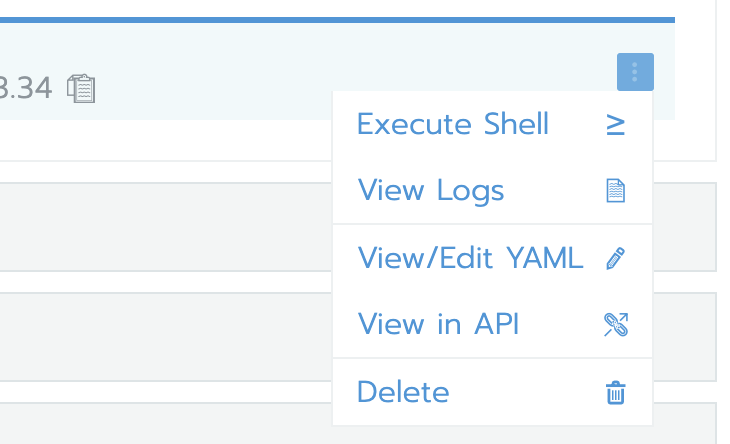
-
Run the following commands:
cd /mgnl-home/repositories/magnolia/workspaces/ <1>
find . -name index -exec rm -rf {} \; <2>
Changes to your workspaces directory.
Finds and removes the index folders.