

Clone Secrets with Rancher 2.6
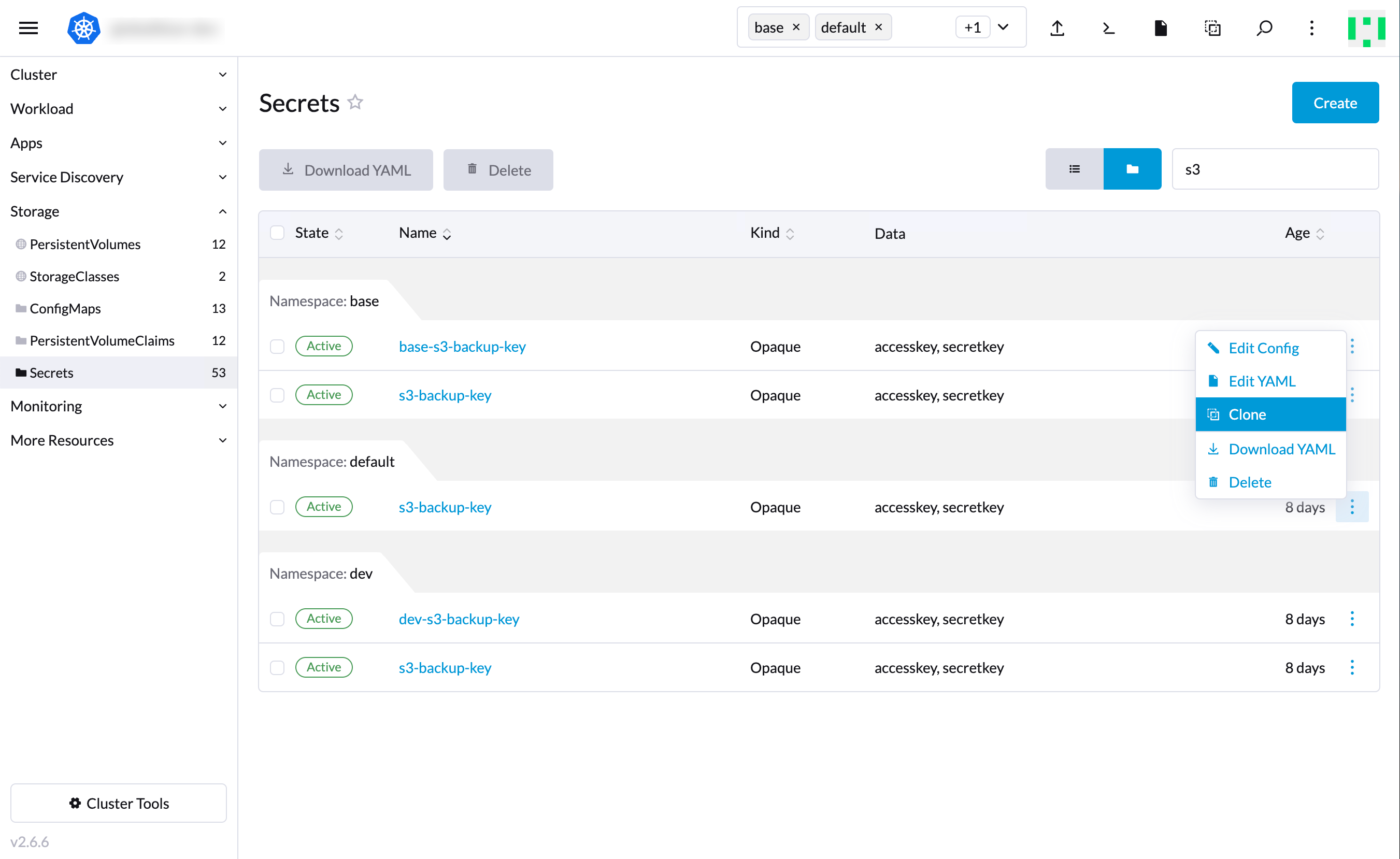
Before Rancher 2.6, you could create a (“project-unbound”) secret in the All namespace. Rancher made those secrets available to all projects and namespaces.
To achieve this same goal:
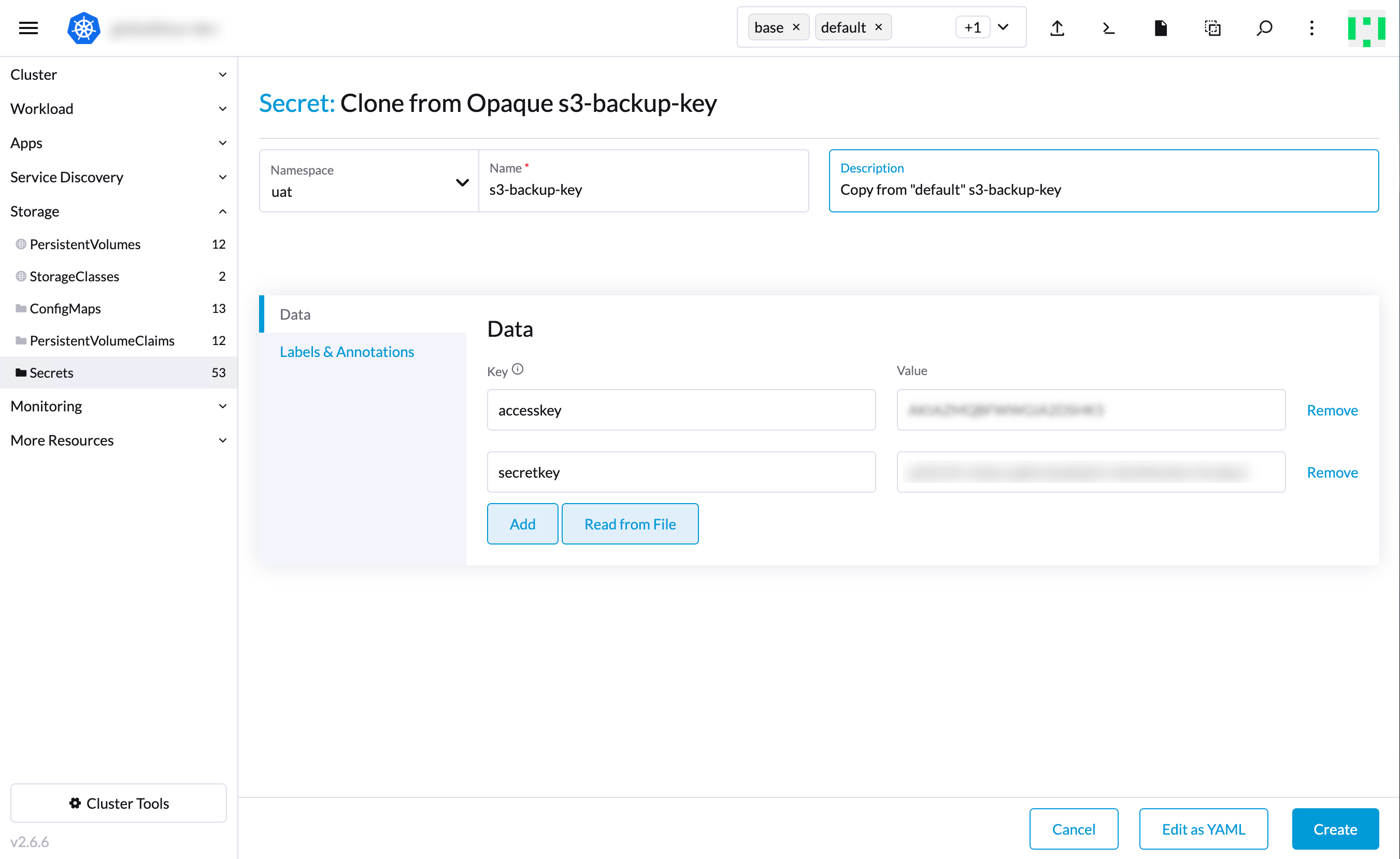
- Copy the secrets using the Rancher UI.
- Then clone the desired secret into the target namespace (ie. namespace
uat).
values.yml
This is good to know when needed in the values.yml file under the useExistingSecret field as it will provide the activation key secret for the target environment.
...
magnoliaAuthor:
  replicas: 1
  restartPolicy: Always
  redeploy: true
  contextPath: /author
  webarchive:
    repository: {{ .Env.CI_REGISTRY_IMAGE }}/magnolia-webapp
    tag: "{{ .Env.GIT_TAG | quote }}"
  bootstrap:
    password: "<password>"
  activation:
    useExistingSecret: True <1>
    secret:
      name: activation-key
      key: activation-secret
...
magnoliaPublic:
  replicas: 2
  restartPolicy: Always
  contextPath: /
  webarchive:
    repository: {{ .Env.CI_REGISTRY_IMAGE }}/magnolia-webapp
    tag: "{{ .Env.GIT_TAG | quote }}"
  bootstrap:
    password: "<password>"
  activation:
    useExistingSecret: True <1>
    secret:
      name: activation-key
      key: activation-secret
...
The activation key is handled by the bootstrapper container. This keeps magnoliaAuthor and magnoliaPublic in sync.