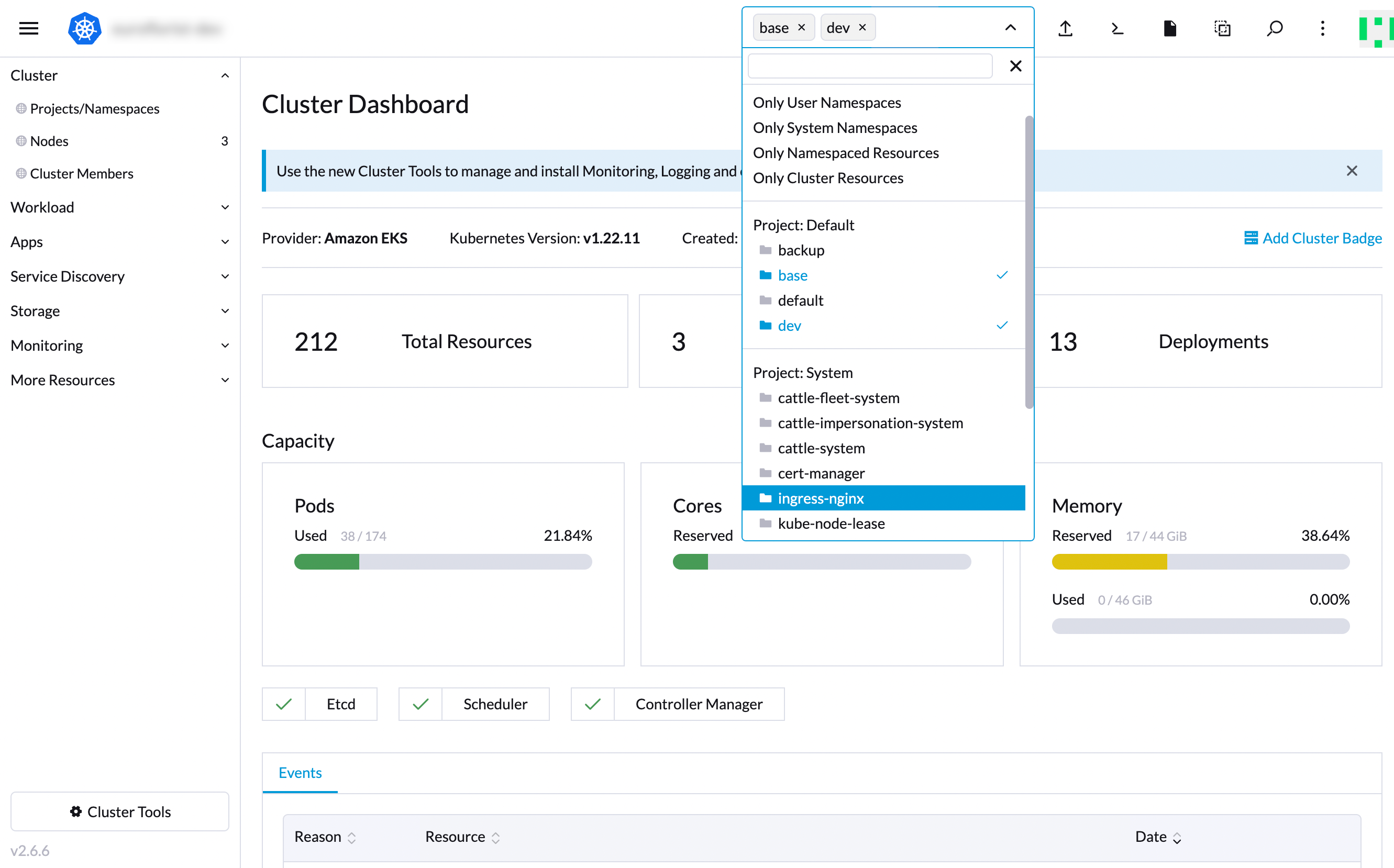
Rancher UI Dashboard
The Rancher UI Dashboard, also known as the Rancher Cluster Explorer, simplifies the access, interaction, and management of multiple Kubernetes Clusters. Although the UI is quite intuitive, Rancher 2.6 introduced a few changes in the UI that you should be aware of.
If you have missed any component such as a
workload,secret,ingress, or something else, you need to ensure that you have the correct namespace selected, as those items won’t be displayed otherwise: