

System log
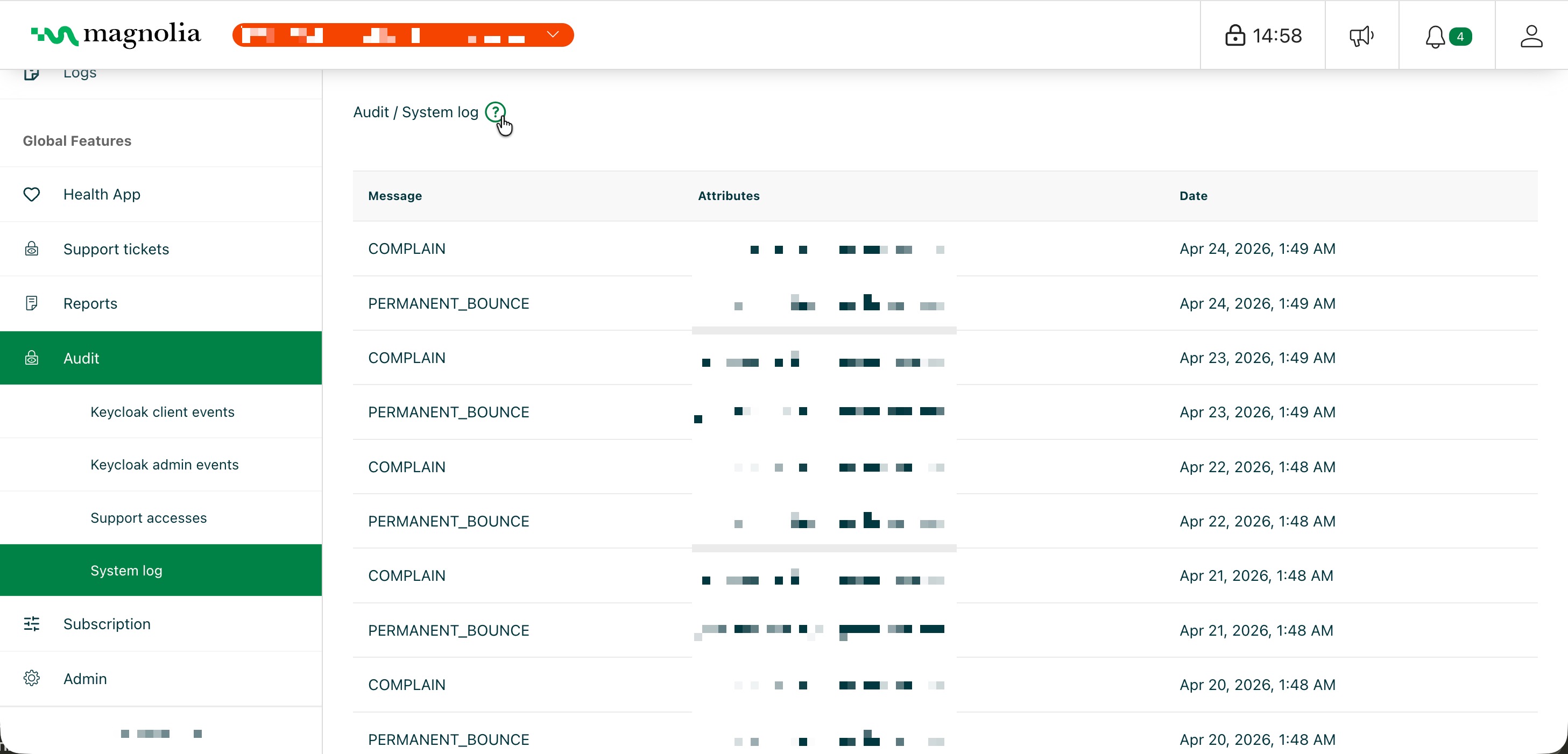
System logs show events generated by the DX Cloud platform automatically, or things that happen to your project at the infrastructure level, rather than events from your Magnolia Author or Public instances. Use this log to diagnose issues that are not visible in Magnolia application logs, such as failed email deliveries to your users.
Select desired cluster
Select your desired cluster from the dropdown menu at the top of the Cockpit.

What you see in the table
| Column | Description |
|---|---|
| Message | Event type. For email delivery: PERMANENT_BOUNCE (could not deliver; check address or mailbox) or COMPLAIN (recipient marked as spam; review whether they should keep receiving mail). |
| Attributes | Contextual data for the event. For email delivery, the recipient address that bounced or complained. |
| Date | When the platform recorded the event (local time zone). Newest first. |
Use Date together with Attributes to correlate entries with emails sent from Magnolia or from platform actions such as account invitations.