Loggers
Loggers control how much detail Magnolia writes to its logs, and for which parts of the system.
Each logger targets a named scope (for example a Java package like info.magnolia) and a level that sets the verbosity threshold for that scope.
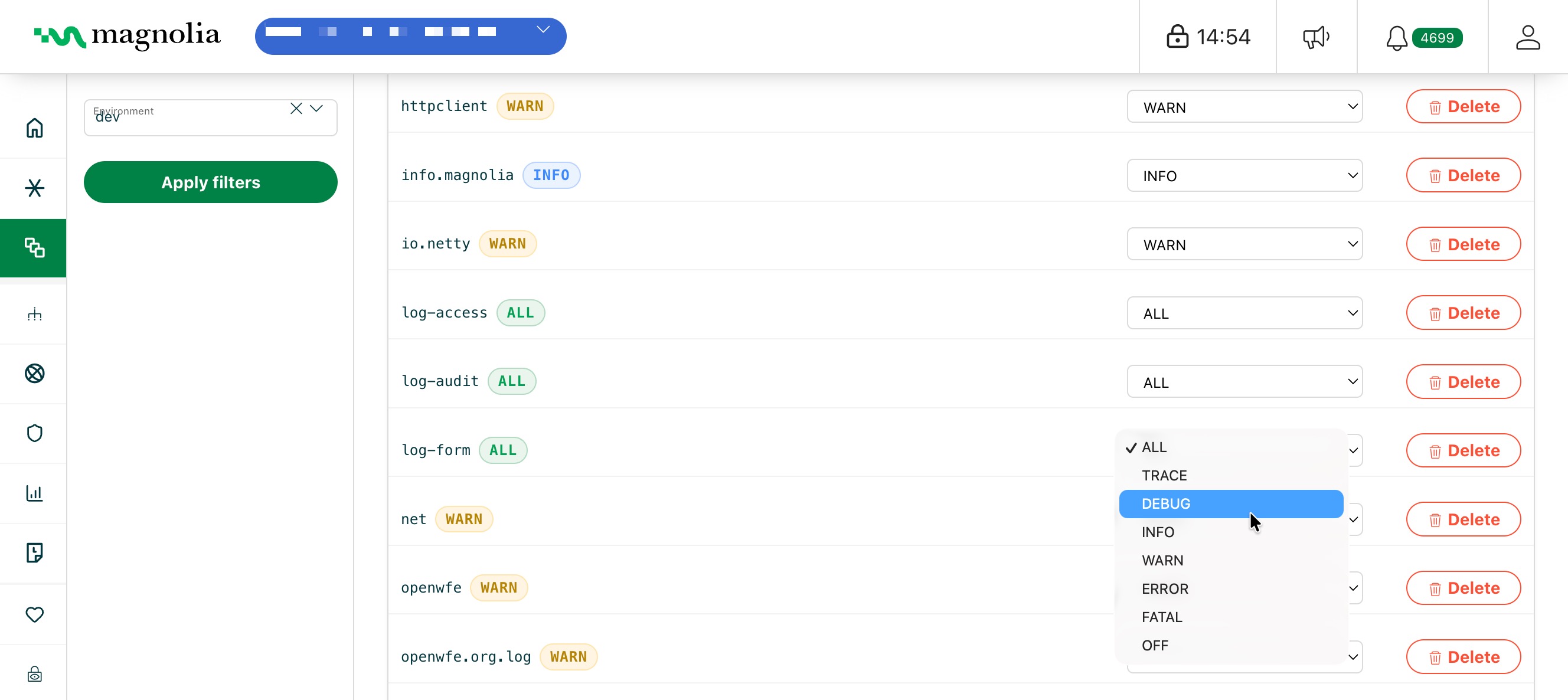
Levels run from most to least verbose: ALL, TRACE, DEBUG, INFO, WARN, ERROR, FATAL, OFF.
Use this page to add a logger, change its level, or delete it.
Raise a level (for example to DEBUG) when you’re chasing a specific problem; lower it again once you’re done, since verbose logging adds noise and volume.
A logger emits everything at its level and above.
So a logger set to WARN records warnings, errors, and fatals, but stays quiet on info and debug.
Select desired cluster
Select your desired cluster from the dropdown menu at the top of the Cockpit.

You can add, adjust levels, and delete loggers from the Cockpit.
- In your Cockpit, go to Environments > Loggers.
- Select your Environment in the sidebar filters.
- Add, configure, or delete loggers.
Sidebar filters
- Environment: select the environment to analyze. Defaults to the current environment.
Click Apply filters to update the view.
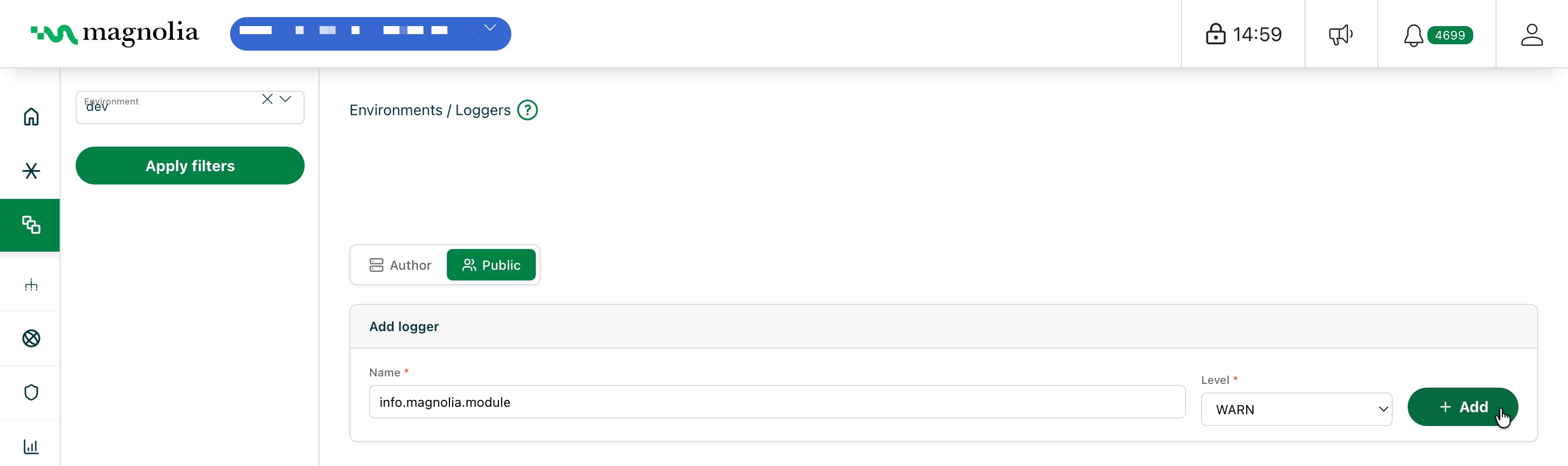
Author / Public toggle
Toggle between Author and Public loggers to view and set loggers on each environment type separately.
Add logger
- Enter a Name and Level for your logger.
- Click Add.
Manage loggers
- Scroll to your desired logger.
- In the Level dropdown menu, select your desired log level.
You can delete a logger by clicking Delete. Filter through loggers by typing in the search bar.