

DX Cloud access and profile
This page covers first-time access to the Cockpit (including two-factor authentication), signing in, and the account menu in the top-right.
Access DX Cloud
When you sign up to DX Cloud, your credentials grant you access via SSO so that you only need to log in once, creating a streamlined user experience whether you are a developer, author, or administrator.
Set up two-factor authentication
DX Cloud accounts require two-factor authentication (2FA). After your password, you enter a time-based one-time password (TOTP) from an authenticator app.
This is your DX Cloud account login. The same credentials and authenticator are used for the Cockpit, Rancher, and GitLab. Academy, Nexus, and the Partner Portal use a separate Magnolia Services SSO. See Prepare.
Compatible authenticator apps
DX Cloud TOTP uses SHA-256 or SHA-512. Your app must support those algorithms. Apps that only implement SHA-1 cannot generate a valid code.
| Compatible | Not compatible |
|---|---|
| Any TOTP app that supports SHA-256 or SHA-512, such as Google Authenticator, FreeOTP, KeePassXC, or Authy (Twilio) | Microsoft Authenticator (software TOTP is SHA-1 only) |
First-time setup or after a reset
- Open the invitation or reset email and follow the link. Complete the full flow. Setting only a password or OTP only is not enough.
- When the QR code appears, scan it with a compatible authenticator app. If you cannot scan, enter the secret key manually only if the app lets you choose SHA-256 or SHA-512.
- Enter the current code from the app to confirm enrollment.
- On later visits, sign in with your email, password, and the current code.
After an OTP reset: Delete the old DX Cloud entry in your authenticator app before scanning the new QR. The previous token will not work.
If you can sign in to one application but not another
If the authenticator code is accepted for one Cockpit URL but another application on the same account still denies access, that is typically authorization (account status, groups, or subscription assignment), not the authenticator.
Ask your subscription administrator to confirm your account is active and assigned to the correct groups, or contact DX Cloud support.
Log in to DX Cloud
-
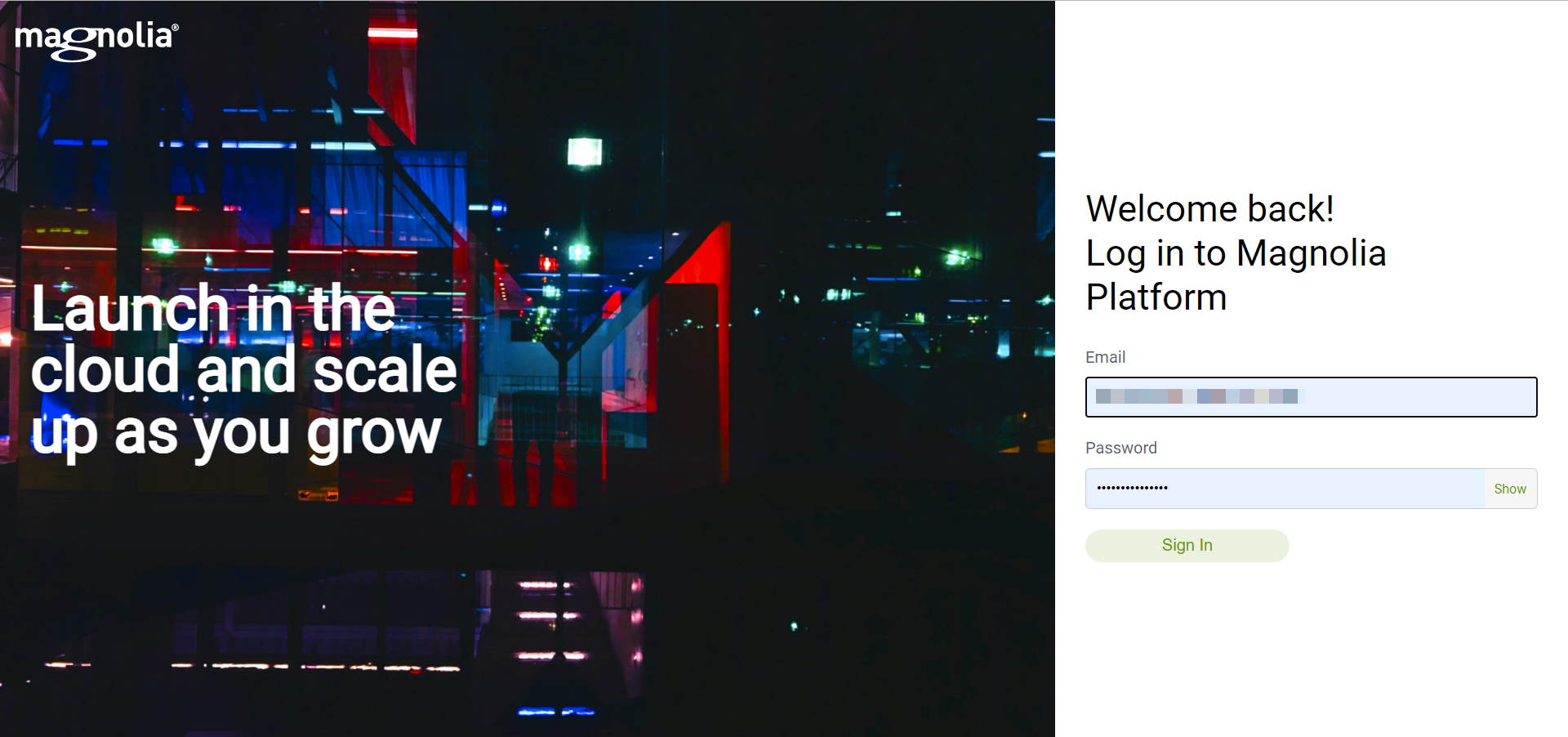
Go to your dedicated DX Cloud URL.
This is typically
https://cockpit.YOUR_COMPANY.magnolia-platform.com/. You receive the URL during your onboarding process. If you need assistance, contact DX Cloud support.When your subscription uses the shared platform entry point, you can also use the platform login.
-
Enter your email, password, and the current one-time code from your authenticator app.
-
Start creating amazing content with DX Cloud.
Account menu
Once you are signed in, open the account menu from your name or user icon in the top-right of the Cockpit. It currently offers three options:
- Documentation: Opens DX Cloud documentation.
- Support: Opens the DX Cloud helpdesk to raise a request. To browse existing tickets in the Cockpit, see Support tickets.
- Logout: Ends your Cockpit session.
Platform update tiers are subscription settings, not personal profile options. See Platform update tiers.