

Cluster event logs
The Events log view in the Cockpit displays information about events within the cluster. These events show what is occurring inside your cluster, such as scheduler decisions or why pods are being evicted from a node.
For the Infrastructure Events screen (summary metrics and filters), see Cluster events.
Select desired cluster
Select your desired cluster from the dropdown menu at the top of the Cockpit.

View cluster event logs
From Logs > Events:
- Select your desired cluster.
- Select the start and end date range.
- If desired, enter a term to filter on.
- Click Apply filters.
When you Apply filters, the selection persists: if you reload the page, you see the same filter selection.
It also ensures you can share the selection and the recipient sees the same view as you do.
Example
https://cockpit.magnolia-platform.com/logs/events?from=2026-03-06T16:25:31.842Z&to=2026-03-06T17:25:31.842Z&In this case, the URL shows event logs for the last hour on the selected date.
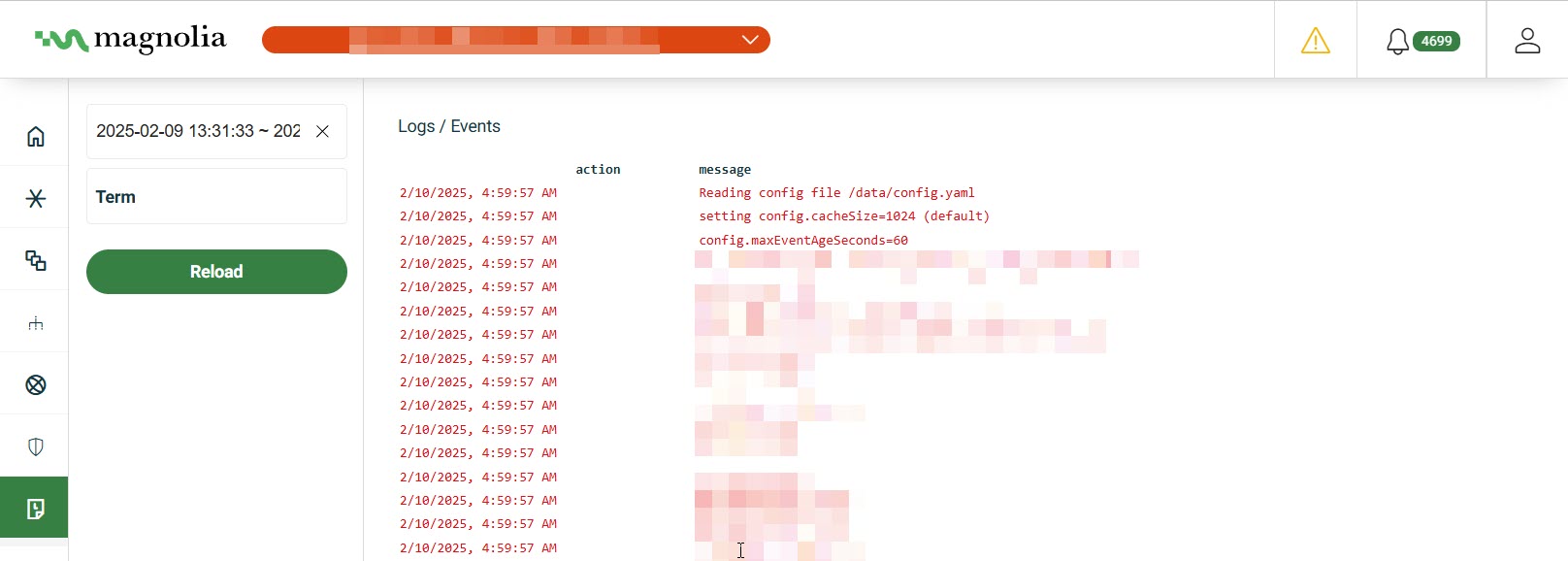
Log format
| Field | Description | Example |
|---|---|---|
| date | Event timestamp | 2/10/2026 4:45:56 AM |
| action | Event action | StartKubeProxy |
| message | Event message | Reading config file /data/config.yaml |