Secrets
Secrets are sensitive data, like passwords or tokens, stored securely for certain tasks. These secrets securely authenticate Cockpit network operations. For example, they can be used with Ingresses.
The secret types covered in this section are:
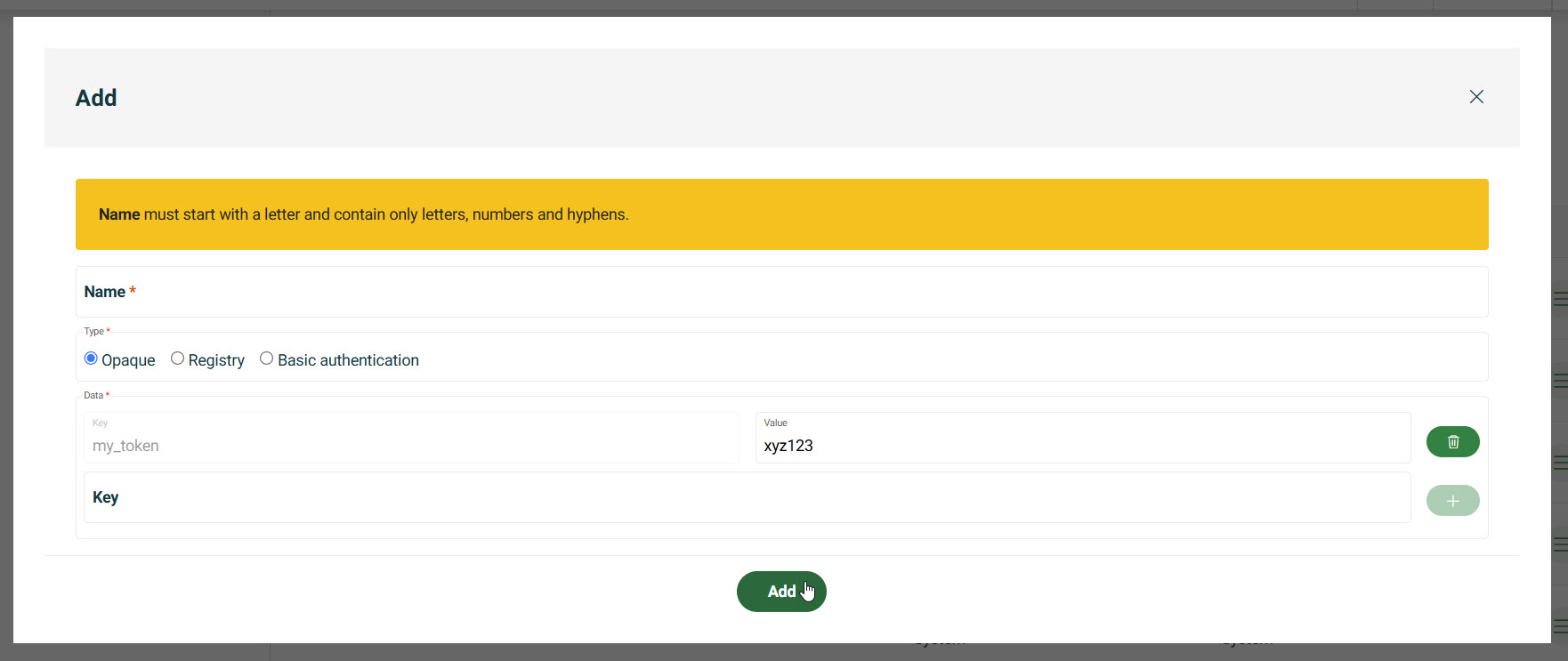
- Opaque: store custom credentials (for example, API tokens).
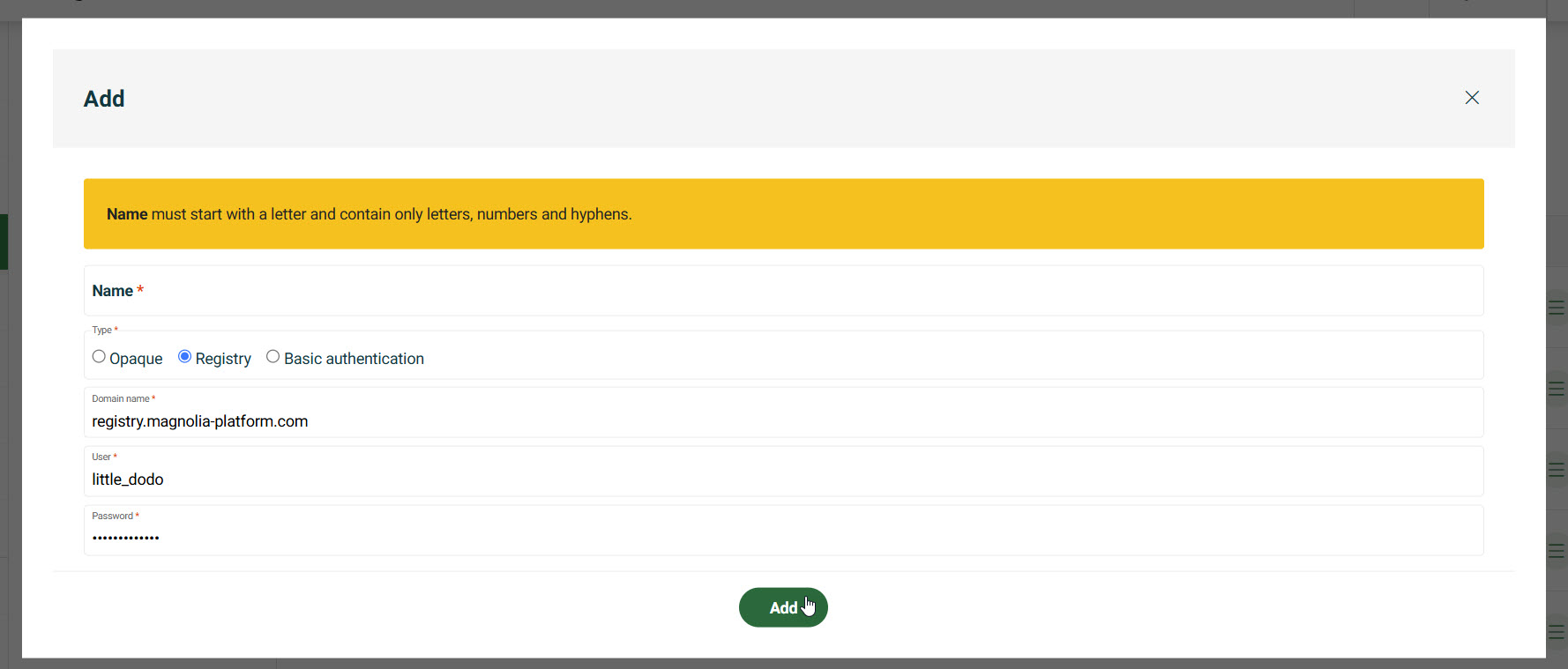
- Registry: provide credentials for container registries.
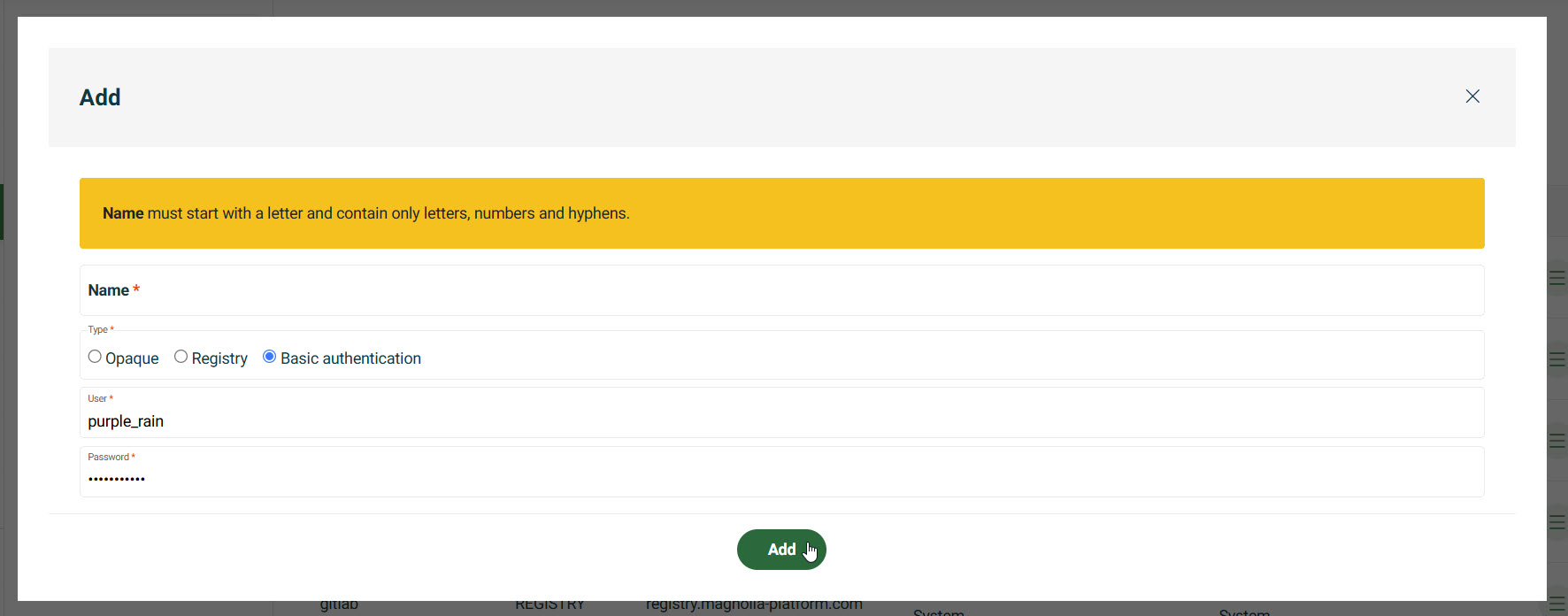
- Basic Auth: set up HTTP Basic Authentication.
Select desired cluster
Select your desired cluster from the dropdown menu at the top of the Cockpit.

Add secrets
- Go to your Cockpit and navigate to Networking > Secrets.
- Choose the Environment.
- Click Add.
- In the dialog, choose the Type of secret.
Opaque
Store custom credentials (for example, API tokens).
- Enter the Key.
- Enter the Value.
You may need to click the + icon to add more key/value pairs.
Registry
Provide credentials for container registries.
- Enter the Domain name (for example,
registry.magnolia-platform.com). - Enter the User.
- Enter the Password.
Basic Auth
Set up HTTP Basic Authentication.
- Enter the User.
- Enter the Password.