

Error responses
You can customize error responses directly from the Cockpit with DX Cloud.
When users receive a 404 or 503 error, they see your custom message.
Select desired cluster
Select your desired cluster from the dropdown menu at the top of the Cockpit.

Set custom error page response
View from the Cockpit
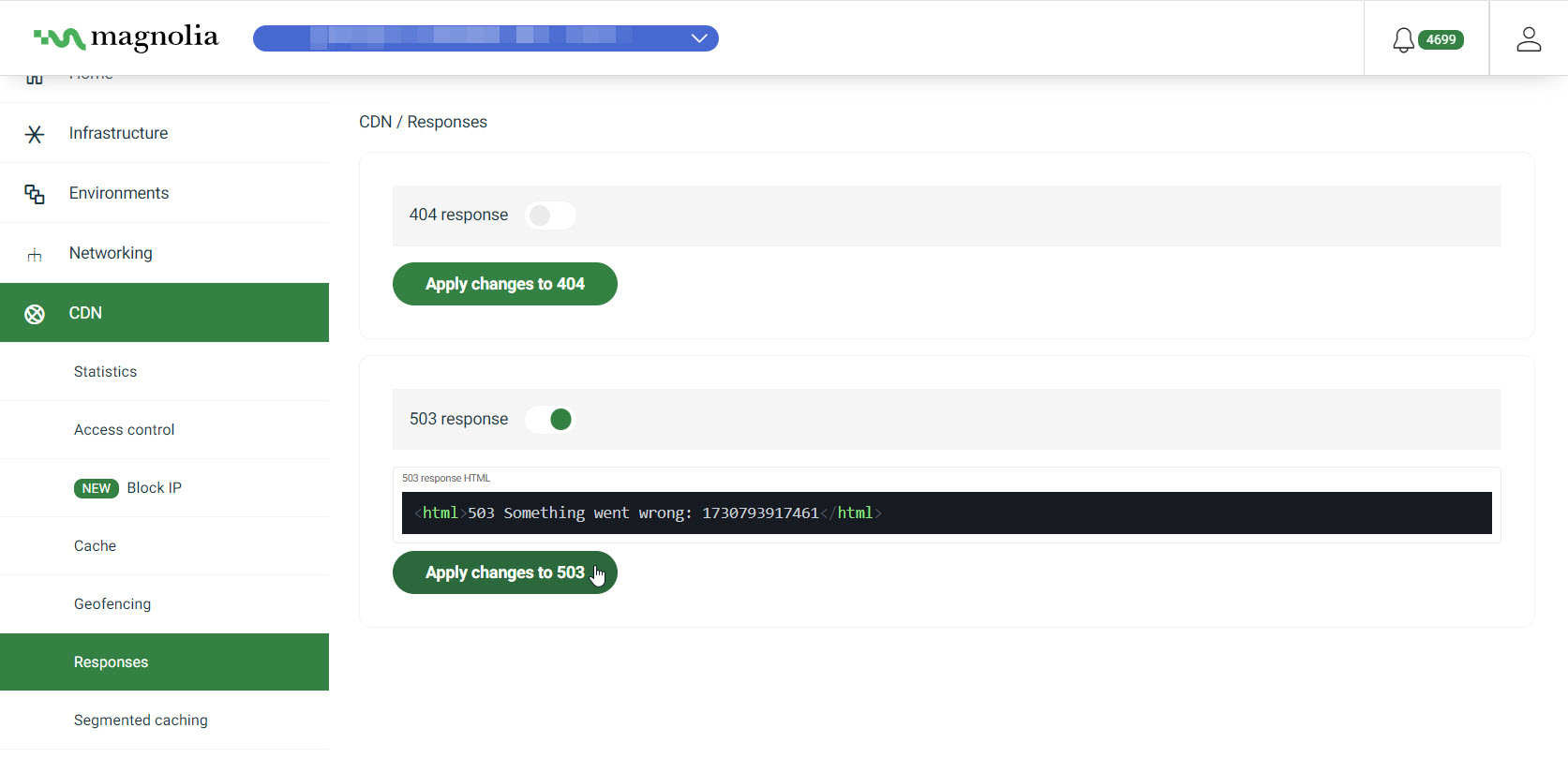
- Go to CDN > Responses.
- Click Apply Filters.
When you Apply filters, the selection persists: if you reload the page, you see the same filter selection.
It also ensures you can share the selection and the recipient sees the same view as you do.
Example
https://cockpit.magnolia-platform.com/cdn/statistics?from=2026-03-06T16:25:31.842Z&to=2026-03-06T17:25:31.842Z&In this case, the URL shows CDN statistics for the selected date range.
- Toggle on the desired error page.
- Enter your custom message inside the
htmlelement.
- Click Apply changes.