

Magnolia Publication logs
Magnolia Publication logs provide detailed visibility into content publishing operations between your author and public instances. Use these logs to monitor publishing health, troubleshoot failed transfers, and analyze publishing performance.
Key information tracked
- Publishing operations: each publish or unpublish action with content path, workspace, and target subscriber
- Transaction status: success, commit, or rollback due to errors
- Performance metrics: publishing time and subscriber response time
- User attribution: user who initiated each publishing action
- Environment context: component, namespace, pod, and subscriber service
Select desired cluster
Select your desired cluster from the dropdown menu at the top of the Cockpit.

View Magnolia Publication logs
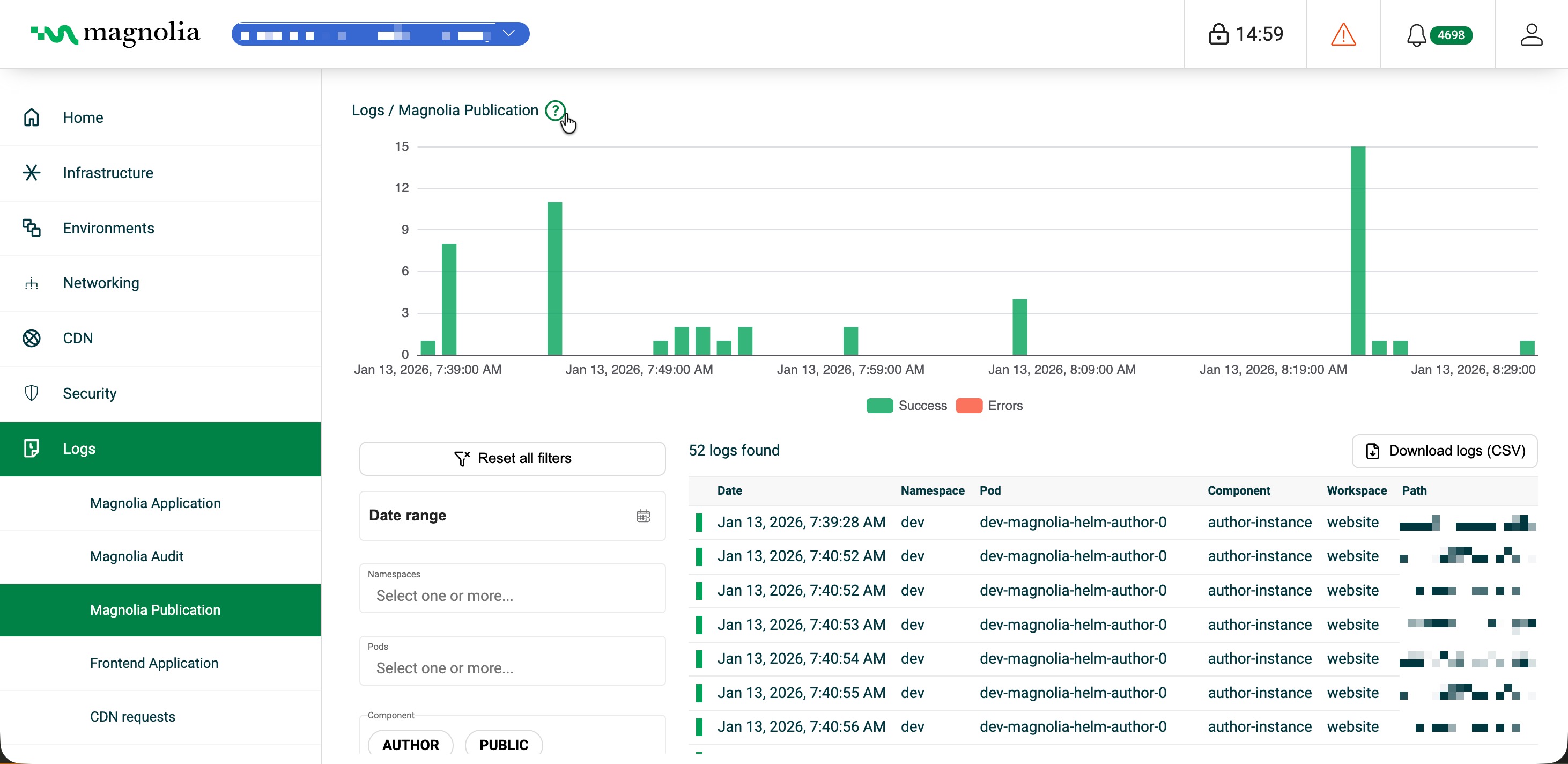
From Logs > Magnolia Publication:
- Select your desired cluster.
- View the chart to see publication activity over time.
- In Filters, set date range, namespace, pod, component, workspace, path, user, subscriber, message content, publishing size/time, subscriber response time, operation type, and transaction status.
Details table
Click Download logs (CSV) to export the rows that match your current filters.
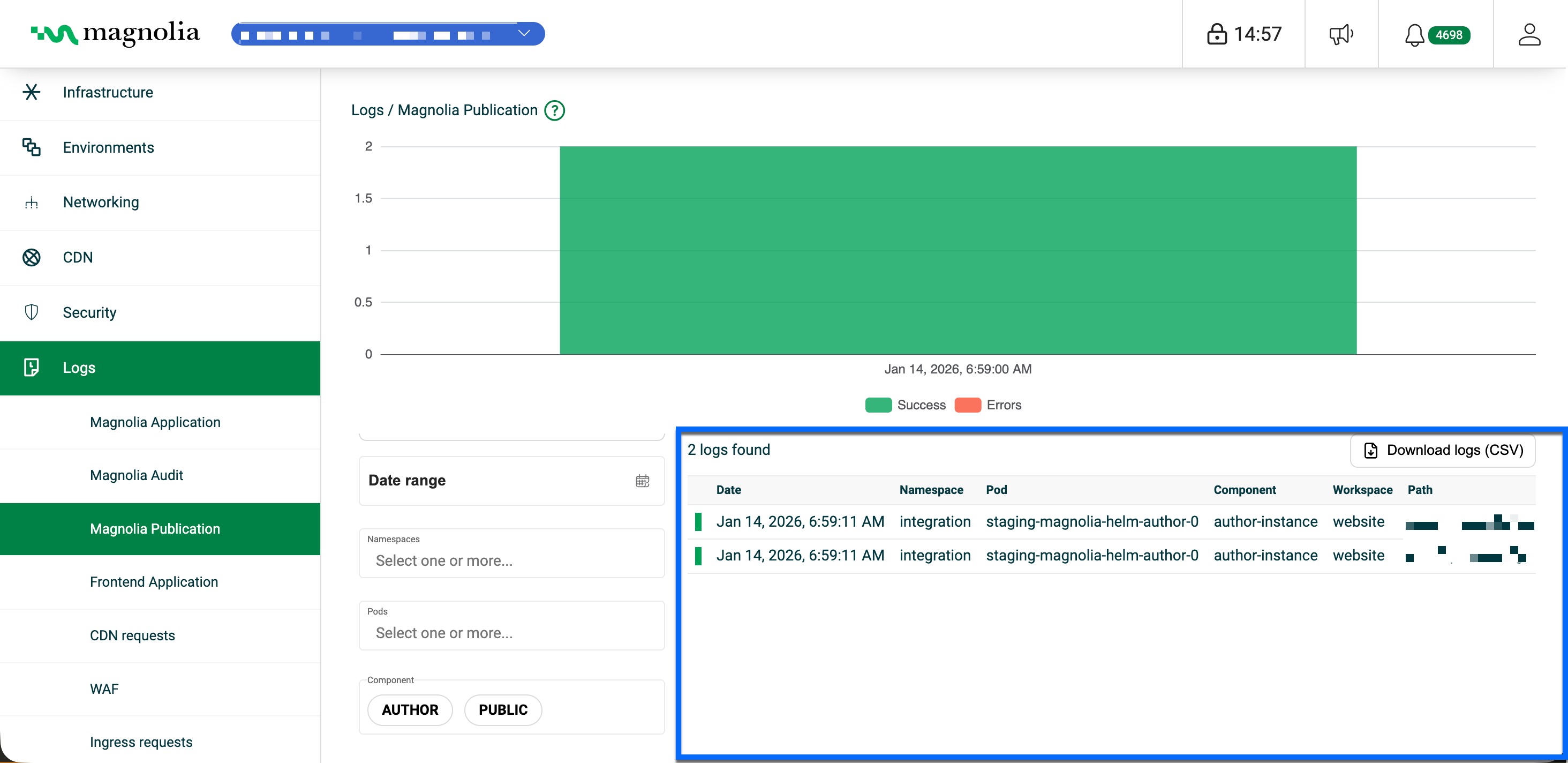
| Column | Description | Example |
|---|---|---|
| Date | Timestamp when the log was created | Jan 14, 2026, 6:35:03 AM |
| Pod | Kubernetes pod | dev-magnolia-helm-author-0 |
| Component | Magnolia component | author-instance |
| Workspace | Published content workspace | website |
| Path | Published content path | travel/about-us |
| Username | User who initiated the publish | admin |
| Subscriber | Target public instance | dev-magnolia-helm-public-svc-0 |
| Publishing size | Size in bytes | 1024 |
| Publishing time | Time to publish (ms) | 1000 |
| Subscriber response time | Subscriber response (ms) | 91 |
| Success / Committed / Rolledback | Transaction outcome flags | true / true / false |